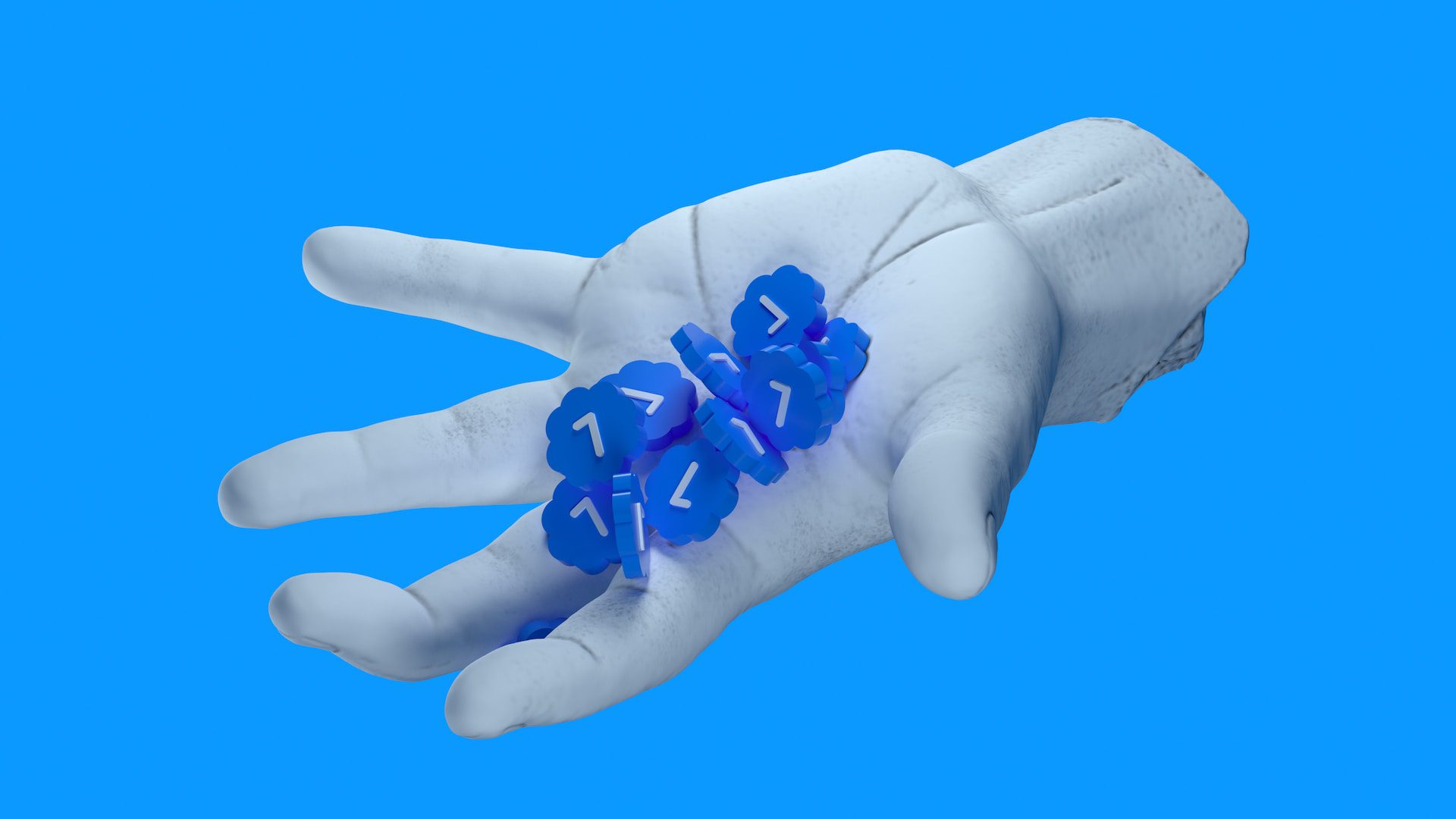
Twitter Blue, now known as X Premium, is a paid subscription of X to get a blue checkmark. Previously, the blue check was a feature awarded by the Twitter team, but after buying X, Elon Musk discontinued the legacy blue verified and launched the X Premium service.
This paid service is not limited to specific people, anyone can buy and get a blue checkmark on the platform now. I subscribed to Twitter Blue/X Premium but I was shocked to know that the blue checkmark wasn’t showing on my profile.
After researching more about X Premium, I got to know that the blue check mark doesn’t appear immediately after subscribing to the X Premium service. After subscribing to the service, the platform takes some time to enable the blue or gold checkmark on your profile. In the meantime, the Twitter team takes time to verify the identity of the person.
Why is the blue or gold checkmark not showing for me?
There are several reasons that the blue checkmark is gone from your profile. Here are a few:
- You just subscribed to Twitter Blue/X Premium and your profile is under the verification phase.
- You changed your profile picture after getting the blue or gold checkmark.
- You missed your subscription renewal and subscribed to X Premium again.
How to get my blue or gold tick back?
Try three solutions to get your verified badges back:
- If you just subscribed to Twitter blue/X Premium, the verification process takes an average time of 5 to 6 days. After that, you’ll get your blue verified checkmark.
- If you just changed your picture while you were subscribed to X Premium, it will take 5 – 6 days to get your blue or gold tick back.
- If you renewed X Premium and subscribed again, you’ll have to wait another 5 – 6 days to get the blue or gold tick.
Changing the profile picture while you’re subscribed to X Premium will remove the blue checkmark from your profile. The waiting period can be between 5 to 7 days. So, wait for verification and the blue checkmark will be back.